
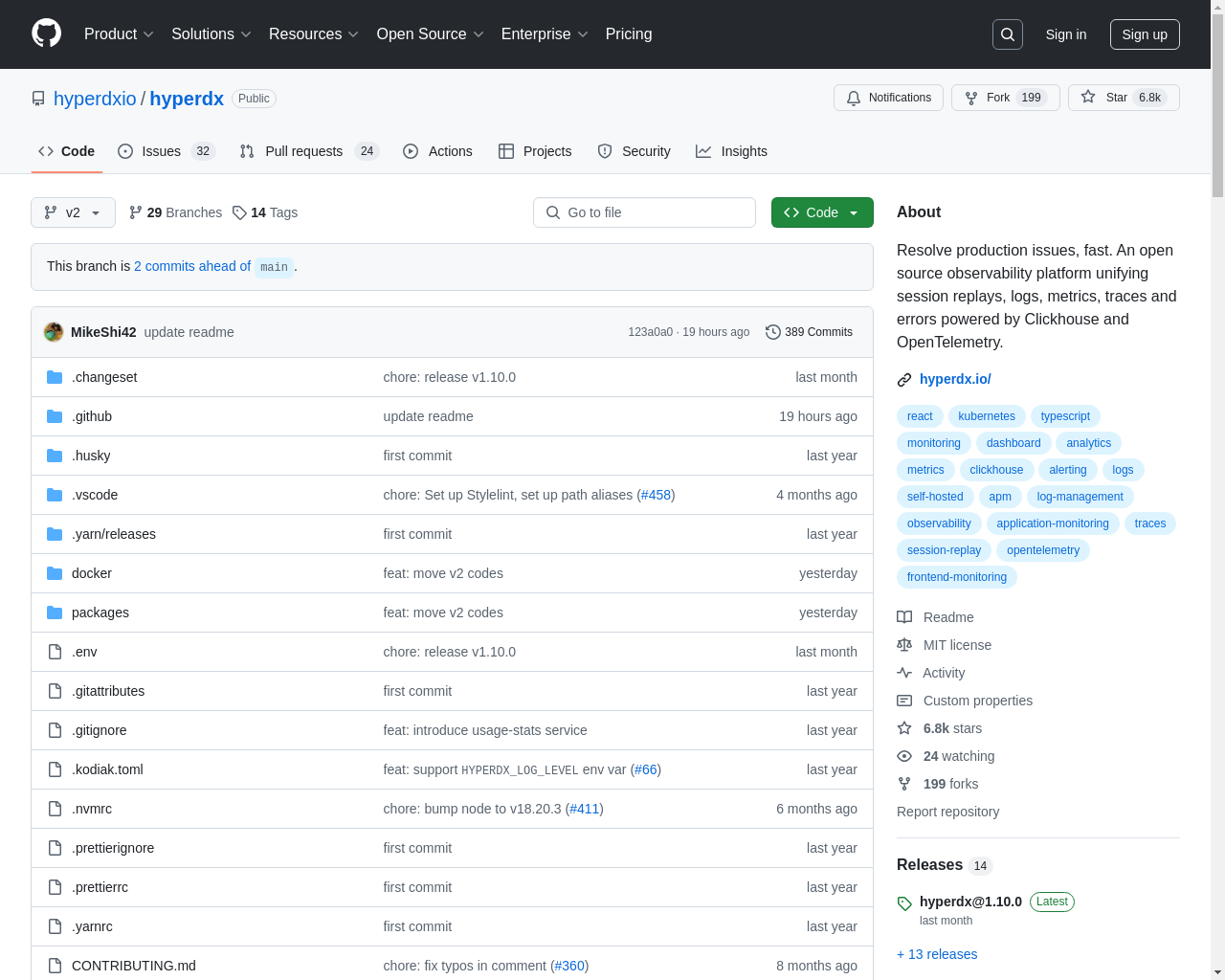
Mike and Warren introduce their early work on HyperDX, a user-friendly observability tool designed to visualize and search logs and traces on Clickhouse, addressing UI challenges for developers and optimizing performance for large data volumes.
TypeScript, React, Clickhouse
2024-11-13
- website

Highlight 1
The web-based architecture allows users to quickly integrate and use the tool without installation, making it accessible for testing and immediate use.
Highlight 2
The support for concise querying using Lucene syntax alongside traditional SQL provides flexibility for both casual and power users.
Highlight 3
Performance optimizations leveraging Clickhouse's capabilities ensure efficient data processing, which is critical for large data volumes often faced in observability projects.

Improvement 1
The interface could benefit from additional onboarding resources or tutorials to guide new users through its features effectively.
Improvement 2
Implementing advanced customizability options for dashboards could empower users to tailor their views more specifically to their needs.
Improvement 3
Expanding the support for multi-language user interfaces would make the tool more accessible to non-English speaking developers.
Product Functionality
Consider adding more integrations with other observability tools to broaden data sources and use cases.
UI & UX
Enhance the dashboard customization features to allow users to save and share their configurations easily.
SEO or Marketing
Invest in content marketing strategies such as blog posts and case studies to highlight successful implementations and user stories.
MultiLanguage Support
Add multi-language support to make the tool accessible for users in different linguistic regions, thereby increasing its global reach.
- 1
What is HyperDX?
HyperDX is a tool designed to help developers visualize and search their logs and traces using a user-friendly interface built on top of Clickhouse.
- 2
Do I need to install anything to use it?
No, HyperDX operates entirely in the browser. You can try it with your own Clickhouse instance without any installation required.
- 3
What types of queries can I run with HyperDX?
HyperDX supports both SQL and Lucene query syntax, allowing you to choose the most convenient way to conduct your searches.