
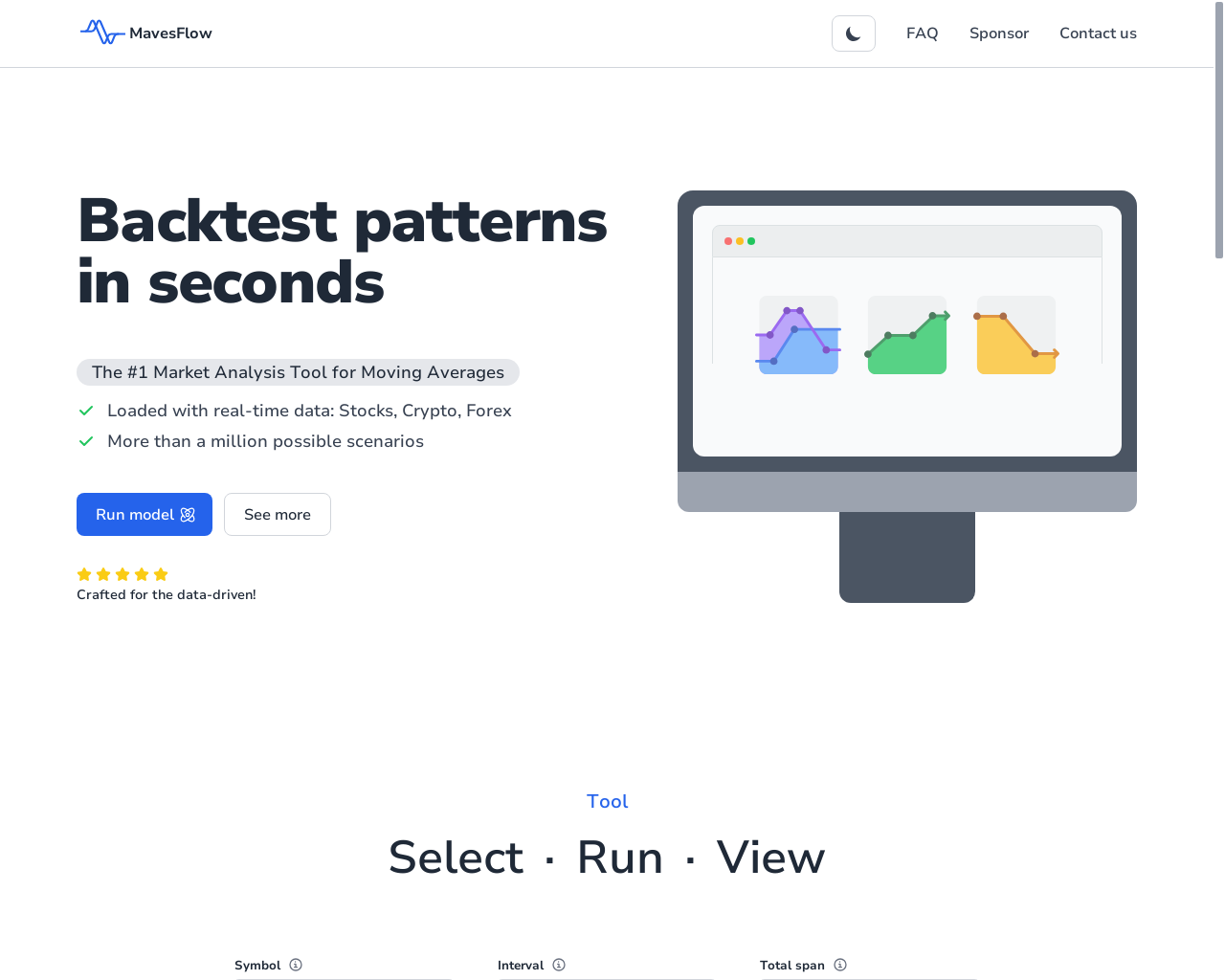
This tool provides real-time market data for analyzing moving averages in technical analysis.
Web-based application with real-time data integration
2024-10-10
- website

Highlight 1
The real-time market data feature is excellent, providing up-to-date information that is crucial for traders making time-sensitive decisions.
Highlight 2
The customizable settings for moving averages allow users to tailor their analysis to fit their individual trading strategies, enhancing user engagement.
Highlight 3
The user interface is intuitive and user-friendly, enabling both novice and experienced traders to navigate the application effortlessly.

Improvement 1
The app could enhance its educational resources, such as tutorials or webinars, to help users fully understand moving average concepts.
Improvement 2
There is a need for more advanced analytical tools, such as additional indicators or integrated trading simulations, to cater to advanced users.
Improvement 3
The speed of loading charts could be improved, especially during high traffic periods, to ensure a seamless user experience.
Product Functionality
Consider adding more advanced technical analysis tools and indicators for a more robust trading experience.
UI & UX
Enhance the chart loading speed and streamline navigation to improve overall user experience.
SEO or Marketing
Implement SEO best practices such as keyword optimization and increasing backlinks to improve organic visibility.
MultiLanguage Support
Introduce multi-language support to cater to a global user base, making the tool accessible for non-English speaking traders.
- 1
What type of market data does Mavesflow provide?
Mavesflow provides real-time market data, allowing users to access the latest information on various financial instruments and markets.
- 2
Can I customize my moving average settings?
Yes, Mavesflow allows users to customize their moving average settings to align with their individual trading strategies.
- 3
Is there any support for mobile devices?
Currently, Mavesflow is optimized for web browsers; a dedicated mobile app is not mentioned, but accessibility on mobile browsers may vary.